Get Claude doing real work for your business.
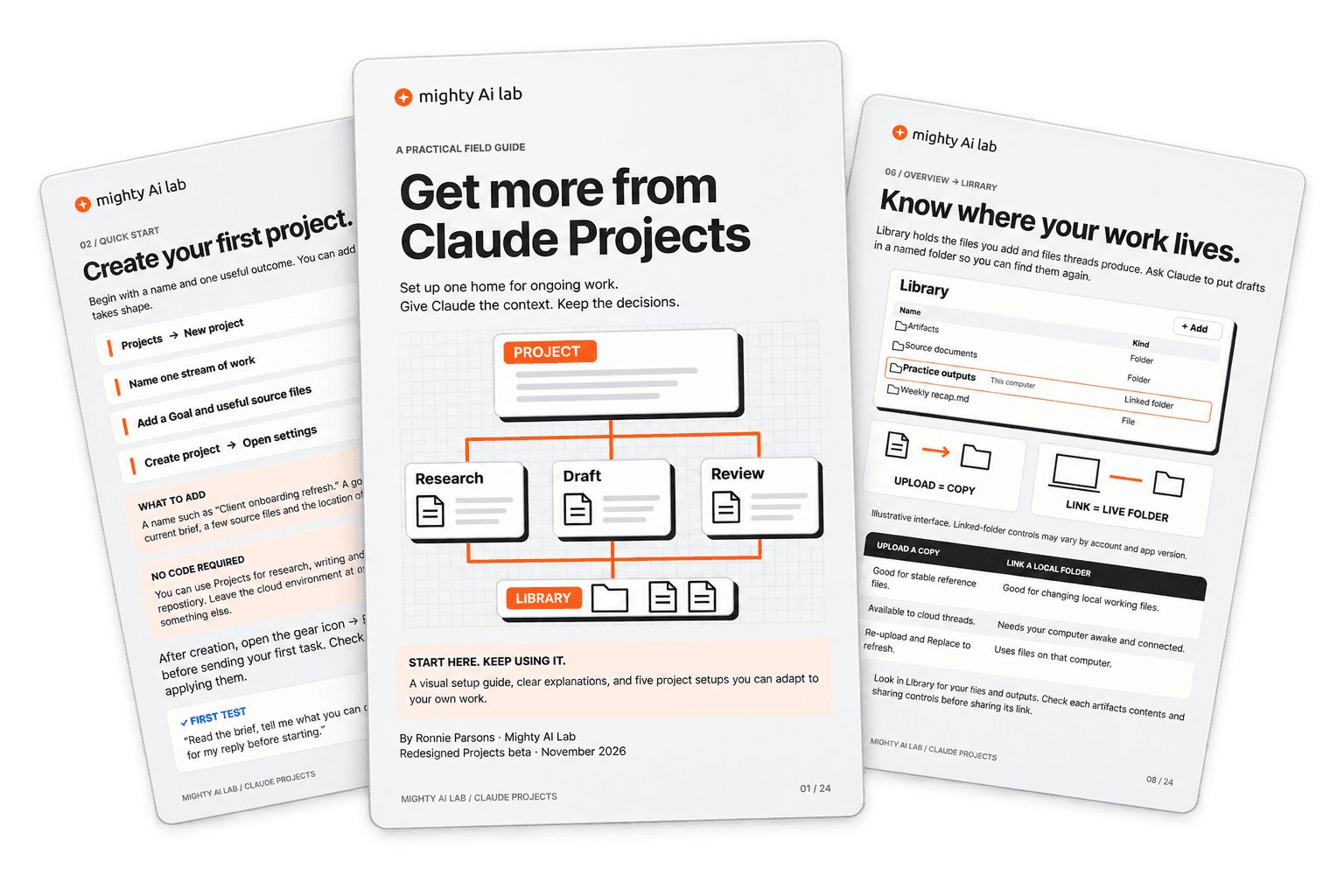
A free 24-page guide to Claude Projects for business owners and small teams. Set it up once so Claude knows your goals, your rules and your files. Then check the first result before you rely on it.
Get the free guide
The download starts on the next page, and we email you a copy.
Stop starting every chat from scratch.
If each new chat begins with you explaining the client, the goal and the rules again, the work stays slow and the answers stay generic. A project holds that context in one place: the goal, your standing instructions and the files Claude should use. This guide shows you how to set one up and how to check that it is actually helping.
What's inside
- The five-step setup, from naming the project to reviewing its first result (pages 4 to 14).
- A project brief to paste in and fill out. Its five headings tell Claude its job, its sources and which decisions stay with you (page 16).
- Account instructions that tell Claude how you like to work, in every project (page 15).
- Upload a file or link a folder? When to use each, so Claude works from your current files (page 8).
- Five starter setups to adapt: a client engagement, a launch, a research library, a content pipeline and a practice project (pages 17 to 22).
- A setup check to run before you rely on the output (page 23).
This is for you if
- You use Claude for work and keep pasting the same background into new chats.
- You run ongoing work, like client engagements, launches or content, and want one place for each.
- You want Claude to take on more of the work while the decisions stay with you.
Who wrote it
Ronnie Parsons runs Mighty AI Lab, a membership where independent experts and small teams put AI to work in their own business. He leads its weekly Build Lab and Office Hours.
Questions
Is it really free?
Yes. The download starts as soon as you enter your email. After that, you'll get occasional emails from Ronnie, and you can unsubscribe at any time.
Which Claude plan do I need?
The guide covers the redesigned Projects experience, which is in beta for eligible Pro, Max and Ultra plans. Older chat Projects are set up differently, so some steps won't match. If your screens look different, Anthropic's current help page has the latest steps.
Do I need to write code?
No. You can use Projects for research, writing and documents without connecting a code repository.
Is this from Anthropic?
No. It's an independent guide by Mighty AI Lab. Claude is an Anthropic product, and no affiliation or endorsement is implied.
Set up one project this week.
Pick one stream of real work, follow the five steps and see what Claude does with it.
Get my free guide